
Introduction
In today’s digital age, internet speed is crucial for smooth online experiences. But how can you be sure your speed test is working correctly? This guide will help you understand speed tests, identify common issues, and ensure accurate results. From India’s perspective the median download speeds improved from 13.87 Mbps in September 2022 to 50.21 Mbps in August 2023. Consequently India moved up 72 places in the Speedtest Global Index, from 119th place to the 47th position.
Understanding Speed Tests
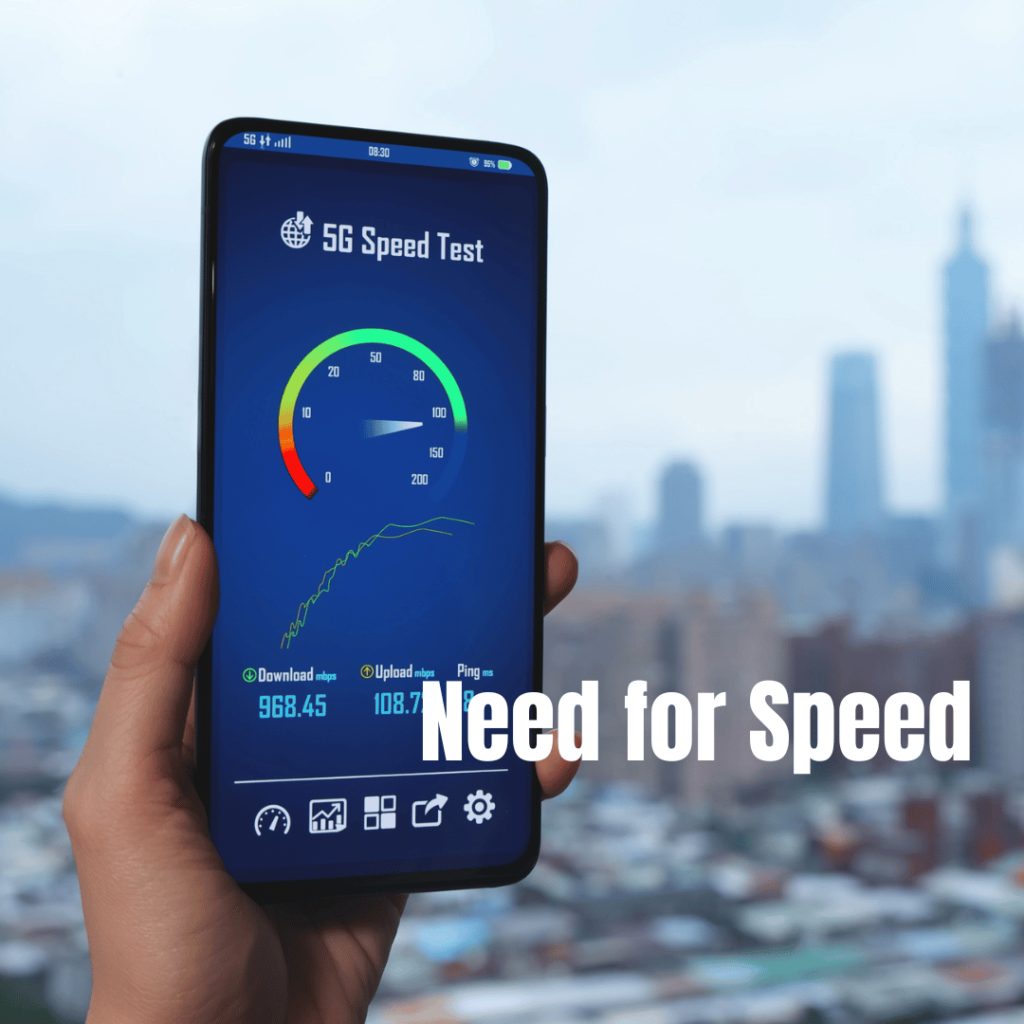
Speed tests measure your internet connection’s performance by sending and receiving data packets. They typically measure:
Download speed: How quickly data is transferred from the internet to your device
Upload speed: How fast data is sent from your device to the internet
Ping: The time it takes for a small data packet to travel to a server and back
Popular speed test tools include:
Common Issues with Speed Tests
Several factors can affect the accuracy of your speed test:
1. Network congestion: High traffic can slow down your connection
2. Server location: Distance from the test server can impact results
3. Wi-Fi interference: Other devices or nearby networks can affect Wi-Fi performance
4. Background processes: Apps or updates running in the background can consume bandwidth
5. Outdated hardware: Old modems or routers may limit speed
6. ISP throttling: Some providers may slow down certain types of traffic
How to Ensure Your Speed Test is Working Correctly
Follow these steps to get accurate speed test results:
1. Close unnecessary programs: Shut down bandwidth-heavy applications
2. Connect via Ethernet: Use a wired connection for more stable results
3. Disable VPN: Virtual Private Networks can slow down your connection
4. Clear browser cache: Remove temporary files that might interfere
5. Try multiple servers: Test with different server locations
6. Run tests at different times: Internet speeds can vary throughout the day
7. Use different speed test tools: Compare results from various platforms
Interpreting Speed Test Results
Understanding your speed test results is crucial:
Download speed: Higher is better for streaming, downloading files, and general browsing
Upload speed: Important for video calls, sending large files, and online gaming
Ping: Lower is better, especially for online gaming and real-time applications
Compare your results to your ISP’s advertised speeds. Keep in mind that actual speeds may be lower due to various factors.
Troubleshooting Speed Test Problems
If your speed test isn’t working or showing unexpectedly low results:
1. Restart your modem and router: This can resolve many connectivity issues
2. Check for ISP outages: Contact your provider or check their website for known issues
3. Update network drivers: Ensure your device has the latest network adapter drivers
4. Scan for malware: Viruses or malware can impact internet performance
5. Test on different devices: This helps identify if the issue is device-specific
6. Consider upgrading your plan: If you consistently get lower speeds than expected
Alternative Speed Testing Methods
Besides online tools, consider these alternatives:
1. File download test: Time how long it takes to download a large file from a reliable source
2. Video streaming test: Check if you can stream high-quality video without buffering
3. Online gaming: Monitor in-game ping and latency
4. Command prompt tools: Use `ping` and `tracert` commands to check connectivity
Conclusion
Ensuring your speed test is working correctly is essential for accurately assessing your internet connection. By understanding how speed tests work, recognizing common issues, and following best practices, you can get reliable results and take steps to improve your online experience if needed.
Remember to run multiple tests over time for a more accurate picture of your internet speed. If you consistently experience issues, don’t hesitate to contact your ISP for support.
Have you tried these methods to verify if your speed test is working? Share your experiences in the comments below!