
Introduction
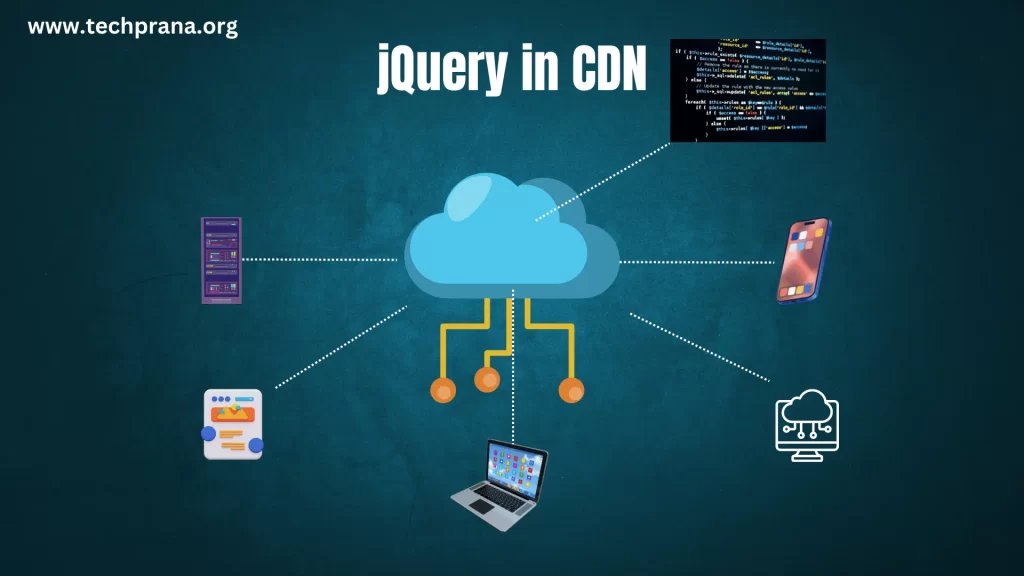
Today, we’re diving into the world of jQuery CDN. If you’ve ever wondered about the easiest way to add jQuery to your projects, you’re in the right place. Let’s explore this topic together and make your web development journey a bit smoother. A Content Delivery Network (CDN) uses a system of distributed servers to deliver web content to users based on their geographic location. Integrating the jQuery CDN into your project boosts performance, enhances reliability, and simplifies maintenance. When you include jQuery in your web project via a CDN, your website links to jQuery files hosted on distributed servers. This setup allows users to download jQuery from a server geographically closer to them, reducing load times and boosting overall performance.
Benefits of using jQuery CDN
- Performance: CDNs host jQuery files across multiple servers worldwide, which enhances loading speed by distributing the load.
- Simplified usage: It’s a breeze for developers—just drop the link into your HTML file, and you’re good to go!
- Improved hosting server performance: Using a CDN link means your server doesn’t bear the load for every visitor. As a result, it handles heavy traffic better and boosts performance.
- Security:
How to use jQuery CDN?
- Choose a CDN provider (Google, Microsoft, jQuery, etc.)
- Copy the provided script tag
- Paste it in your HTML file’s
<head>section
Here’s an example using Google’s CDN:
<script src="https://ajax.googleapis.com/ajax/libs/jquery/3.6.0/jquery.min.js"></script>Popular jQuery CDN Providers
- Google CDN: It is one of the most trusted and widely used ones out there and offers various versions of jQuery
- Microsoft CDN: This is yet another popular option and integrates with other microsoft services seamlessly
- jQuery’s official CDN: This is the direct source and tends to have the latest version available
Best practices for jQuery usage
- Version detail: When using jQuery via a CDN, ensure that you include the version number in the URL to maintain consistency across your project.
- Fall back plan: Always provide a fallback in case the CDN fails, typically by including a local copy of jQuery. For improved performance, place the jQuery link in the
<head>or before the closing</body>tag to prevent blocking the page’s initial rendering. - Subresource integrity: Additionally, consider using a version with SRI (Subresource Integrity) to enhance security, ensuring that the files haven’t been tampered with. Lastly, leverage the browser’s cache by using a popular CDN that other websites are likely to use.
Disadvantages of using jQuery CDN
- Version Control: If you specify a jQuery version in your project, you must update it periodically. Otherwise, you’ll miss out on the latest features and bug fixes.
- Regional Restrictions: If a CDN is blocked in certain regions, users in those areas might not access your website properly.
- Availability Dependency: Using CDN links means your site’s availability depends on the CDN’s uptime.
Using jQuery with React
It’s easy to fall into the trap of wanting to keep using jQuery in React, especially if you’re new to React and used jQuery for tasks like DOM manipulation and Ajax requests. But honestly, it’s a bit of a no-no. React likes to have full control over the virtual DOM, and when you start messing with the real DOM using jQuery, you’re basically throwing a wrench into React’s well-oiled machine.
However, if you must use jQuery in your React app, you can do it without causing a meltdown—just proceed with caution!
Conclusion
In conclusion, utilizing a Content Delivery Network (CDN) for jQuery offers numerous benefits that can enhance the performance and efficiency of a website. By leveraging a CDN, users can access the jQuery library quickly and efficiently from a server that is geographically closer to them, reducing latency and improving loading speeds. Additionally, CDNs often have robust infrastructure and advanced caching mechanisms in place, further optimizing the delivery of jQuery resources to web pages.
Furthermore, CDN-hosted jQuery libraries are typically maintained and updated by experienced professionals, ensuring that developers have access to the latest features and security patches. This can save time and effort by eliminating the need to manually download and update jQuery libraries.
Overall, incorporating a CDN for jQuery can result in a smoother user experience, lower server load, and improved overall performance for websites, making it a beneficial tool for developers looking to enhance their web applications.